



 Australia






Spade69 Login
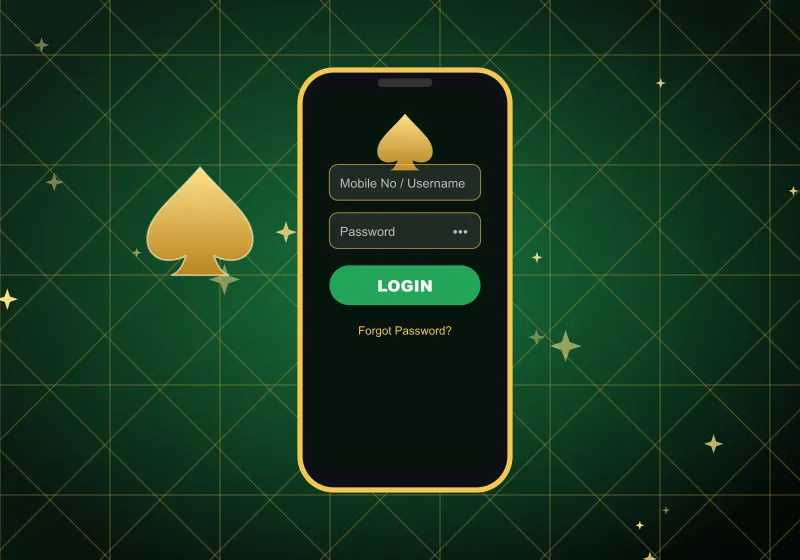
Spade69 login needs just two details: the mobile number (or username) on your account and your password. Enter them, tap one button and your balance, promotions and favourite pokies are back on screen. This page covers what to type, how to reset a password you no longer remember, how signing in works on a phone, and what to check when the door will not open.
Log In to Spade69How Spade69 Login Works
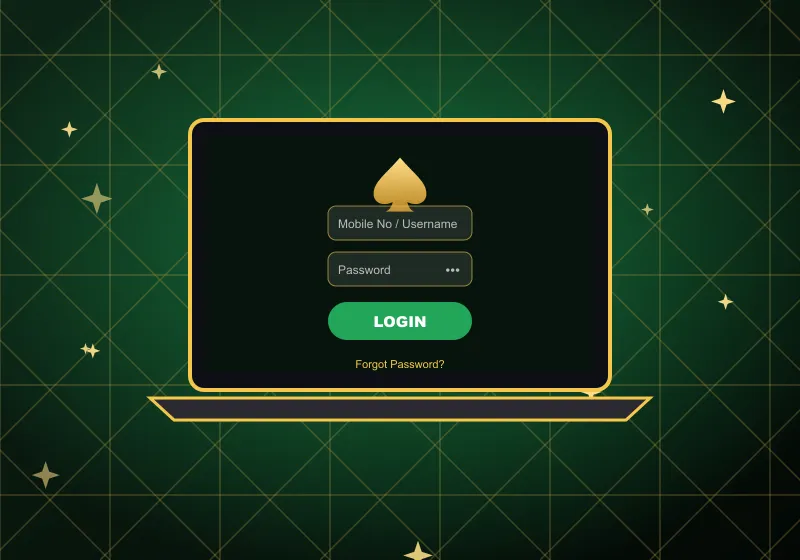
Our sign-in form has one field for your identity and one for your password. Here is what each of them expects.
Mobile No / Username. Most players use the phone number they registered with. Type it in the Australian international format, starting with 61 rather than a zero – for example, a number written locally as 04… goes in as 614…. If you prefer, put your username in the same field instead.
Password. It is between 6 and 20 characters long. Check that Caps Lock is off and the keyboard is set to English before you type – a hidden capital letter is enough to stop the form.
Signing in, step by step
- 1Open Spade69 in your browser and tap Login.
- 2Enter your mobile number in the 61 format, or your username.
- 3Type your password.
- 4Tap LOGIN.
You land on the lobby with your account ready to go. New here? The same form has a Register link – sign-up takes a name, a phone number, a password and an SMS confirmation, and after that you can sign in straight away.
A quick habit worth having: after you sign in on someone else's device, sign out again when you finish. Your account holds real money, so treat the password like a bank PIN and keep it to yourself.
Go to LoginForgot Your Password? Reset It with Your Number
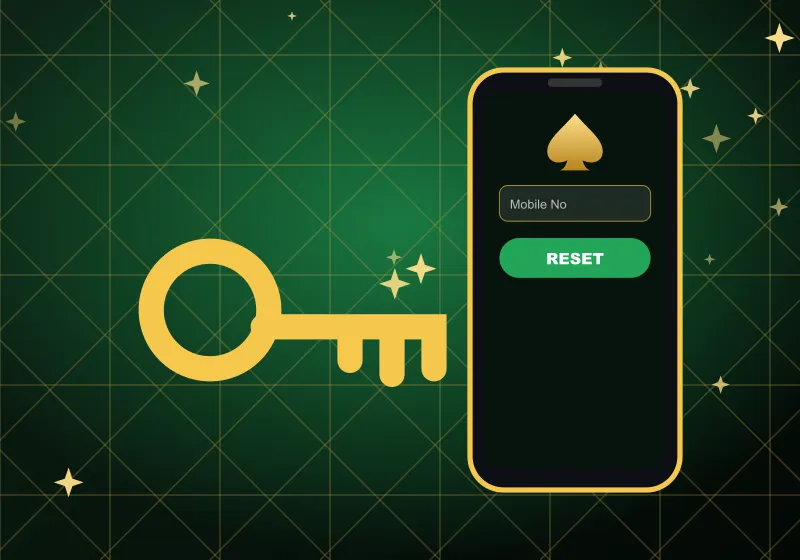
A forgotten password is one of the usual reasons a Spade69 casino login stops working, and fixing it takes about a minute. All you need is the mobile number linked to your account.
- 1On the sign-in form, tap Forgot Password.
- 2Enter your Mobile No.
- 3Tap Reset Password and follow the on-screen instructions.
- 4Tap Login Here to return to the form and sign in with the new password.
When you choose the new password, keep it inside the 6–20 character range and make it something you have not used on other sites. A mix of letters and numbers is much harder to guess than a birthday or your name.
If the reset does not reach you – for example, because the number on the account is an old one – contact our support team. They can confirm who you are and help you get back in.
Spade69 Casino Login on a Phone
Signing in on a phone works exactly like on a computer. Open the site in your mobile browser – it fits itself to the screen – and use the same number and password. There is no separate mobile account.
Android players can also use our app. Tap DOWNLOAD APK in the menu, install the file and open it, then sign in with your usual details. If your phone asks for permission to install the file, allow it for this download only.
On iPhone and iPad there is no app to install: just sign in through Safari or any other browser. Whichever device you use, the bottom menu – Home, History, Promo, Live Chat, Setting – appears once you are in.
When Spade69 Login Fails
Most sign-in problems have a simple cause. Run through this list before anything else:
- Wrong number format. The field expects 61 at the start, not 0. A missing or extra digit also blocks Spade69 login.
- Typo in the password. Check Caps Lock and the keyboard language, then type the password again slowly.
- Old saved details. If your browser auto-fills an old password, clear the field and type the current one by hand.
- Outdated page. Refresh the page, or try another browser, and sign in again.
- Forgotten password. Use Forgot Password, as described above.
- Number no longer yours. If you have changed SIM or number, a reset tied to the old one will not help. Only our team can move the account to a new number, so write to support first.
Still stuck? Our live chat opens without signing in, so you can reach us from the same page. We are also on WhatsApp and Telegram, 24/7. Tell us the number on your account and what you see on screen – that is usually enough for support to point you in the right direction.
Spade69 Casino Login: Short Answers
QCan I sign in with a username instead of my number?
Yes. The first field accepts either your mobile number or your username, so use whichever you remember.
QHow long does my password need to be?
Between 6 and 20 characters. A longer password is a more secure one.
QWhat if the number on my account is no longer mine?
You cannot change it yourself in the settings. Message our support team and they will update the number on your account.
QCan I reach live chat while I am logged out?
Yes. Live chat works before you sign in, around the clock, so you can ask for help with access at any time.
QWhat should I do after playing on a shared computer?
Sign out when you finish and do not let the browser save your password. That keeps your account safe from the next person at the keyboard.